Plan ahead
Announced policy
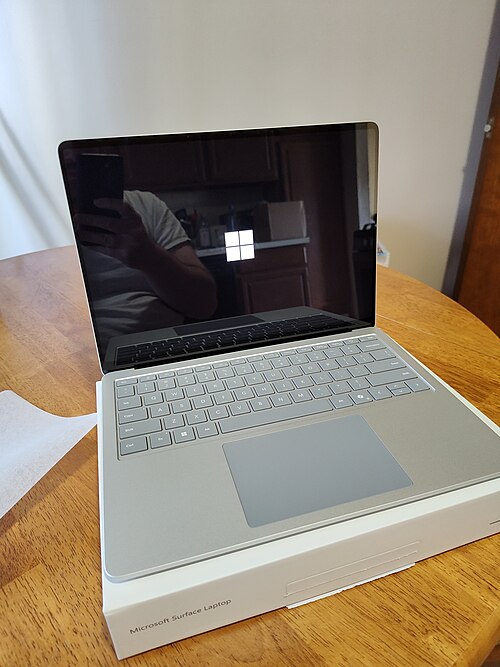
Microsoft Surface Laptop 5 should stay usable to around Oct 2028.
about 2 years
of realistic life left
Today
Oct 2022Released
Oct 2028Hardware
Oct 2028Security
Policy-derived support window: Oct 2028. Calculated from a manufacturer commitment, not a confirmed final patch date. Hardware wear is an estimate, not a failure date.
What ends it first: the manufacturer’s security-update cutoff. The model places the hardware wear window at Oct 2028. A repair cannot extend manufacturer support.
A planning estimate from published support policies and typical wear, not a guarantee. Care, environment and luck all move it.
One number needed
Tell us your battery health and you get a straight answer.
Pick your battery health above. It is the one number that separates "this needs a cheap part" from "this needs replacing".
How to get that number
- Find your battery health. Windows: run powercfg /batteryreport in a terminal, open the HTML file it writes, and divide Full Charge Capacity by Design Capacity. Mac: System Settings › Battery › Battery Health.
- Pick the band it falls into in the dropdown above.
- Read the verdict here. It updates as you change it; there is nothing to submit.
Related devices
- Microsoft Surface Laptop Go 2 ~20 mo left
- Apple MacBook Air (M3) ~5 yrs left
- Apple MacBook Pro 14" (M3) ~5 yrs left
- Apple MacBook Pro 16" (M3) ~5 yrs left
- HP Spectre x360 ~3 yrs left
- Framework Laptop 13 ~5 yrs left
- Lenovo Legion 5 ~19 mo left
- Lenovo Yoga 7i ~3 yrs left