Past its window
Estimated
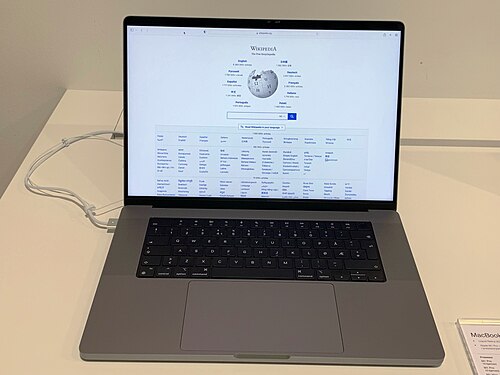
Apple MacBook Pro 13" (Intel, 2019) is past its replacement window.
15 months past
beyond its window
Today
Jul 2019Released
Jul 2025Hardware
Sep 2027Security
What ends it first: typical hardware wear at this usage level. Security updates run to Sep 2027, so wear is the constraint, and wear is repairable.
Wear is what limits this one, so a battery or screen repair may be the cheaper move.
Work out repair vs replace Repair guides and parts on iFixitIf you are replacing it: new or refurbished on Amazon, or check the trade-in value at Swappa or Back Market.
Still supported, same family
A planning estimate from published support policies and typical wear, not a guarantee. Care, environment and luck all move it.
One number needed
Tell us your battery health and you get a straight answer.
Pick your battery health above. It is the one number that separates "this needs a cheap part" from "this needs replacing".
How to get that number
- Find your battery health. Windows: run powercfg /batteryreport in a terminal, open the HTML file it writes, and divide Full Charge Capacity by Design Capacity. Mac: System Settings › Battery › Battery Health.
- Pick the band it falls into in the dropdown above.
- Read the verdict here. It updates as you change it; there is nothing to submit.
Related devices
- Apple MacBook Air (M3) ~5 yrs left
- Apple MacBook Pro 14" (M3) ~5 yrs left
- Apple MacBook Pro 16" (M3) ~5 yrs left
- Apple MacBook Air (M2) ~4 yrs left
- Apple MacBook Pro (M1 Pro/Max) ~3 yrs left
- Apple MacBook Air (M1) ~2 yrs left
- Apple MacBook Air (Intel, 2020) Past window
- HP Spectre x360 ~3 yrs left